
Task Templates: Save Time & What to Include
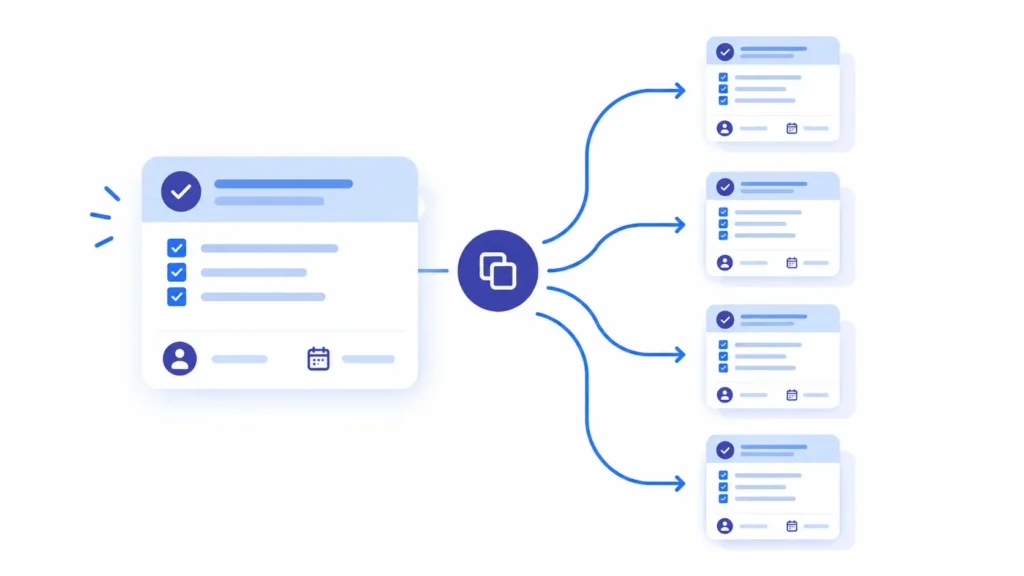
A task template saves repetitive work by turning a task you’ve already set up once- its checklist, assignee pattern, deadlines, and required fields- into a reusable structure you apply again instead of rebuilding from scratch every time. Instead of re-typing the same subtasks, re-assigning the same roles, and re-explaining the same requirements on every recurring piece of work, you build it once, save it as a template, and reuse it in seconds. The time saved isn’t just the typing. It’s the mental overhead of remembering every step correctly each time, which is exactly where repetitive work quietly drains a team without anyone noticing how much of it is happening.
I didn’t take this seriously until I actually tracked it. Every week I was recreating nearly the same task, checking site health, formatting a status update, assigning the same review step to the same person, and I assumed it took a few minutes each time. It didn’t. Once I added up the small decisions, retyping the same checklist, remembering which fields mattered, double-checking I hadn’t missed a step I remembered from last time, it was closer to twenty minutes per task, several times a week, across an entire team. None of that time went toward the actual work. It went toward reconstructing a wheel that had already been built.
The Real Cost of Rebuilding the Same Work Every Time
This isn’t a minor inefficiency. Research on recurring work puts real numbers behind what most teams only sense anecdotally. Clockify’s research on recurring tasks found that employees spend roughly 62% of their work time on tasks that are routine and repetitive in nature. A separate industry analysis found that workers spend an average of 520 hours a year on repetitive tasks that could be delegated or templated, close to a full extra day of work every single week. (Eversign)

The duplicate-work problem compounds this further. Asana’s research on work patterns found that teams spend about 13% of their time on duplicate work, much of it recreating something that already existed elsewhere, adding up to hundreds of wasted hours per employee annually. (Hubstaff) None of this is about laziness or poor time management. It’s what happens by default when a task has no reusable structure, and every person rebuilding it has to reconstruct the same decisions from memory.
Here’s what that looks like at different team sizes, assuming a conservative 15 minutes saved per recurring task through templating, run 3 times a week per person:
What a Task Template Actually Is (And What It Isn’t)
It’s worth being precise here, because “task template” gets used loosely. A task template is not the same as a full project template, and it’s not the same as a task assignment made once and forgotten.
A task assignment is a one-time act, giving a specific piece of work to a specific person for a specific deadline. It’s necessary, but it doesn’t persist. A task sheet or work template captures more structure- the checklist, fields, and requirements a task needs- but often still exists as a static document rather than something that regenerates itself. A true task template, the kind that actually saves repetitive work, is a saved, reusable definition inside your project management tool: the subtasks, the default assignee or role, the checklist items, the required fields, and often the due-date offset, all bundled so that creating a new instance of the task takes one click instead of a rebuild.

This distinction matters because it also separates task templates from the broader family of project-level templates most teams are more familiar with: a project management schedule template lays out an entire project’s timeline, a project management milestone template defines the big checkpoints, a plan of work template or project management work plan template structures the whole engagement, and a project deliverables template defines what gets handed to the client at the end. Those are valuable, but they operate one level up. Task templates are the unit that makes the work inside those bigger structures actually get done consistently, week after week, without depending on memory.
What Belongs in a Good Task Template
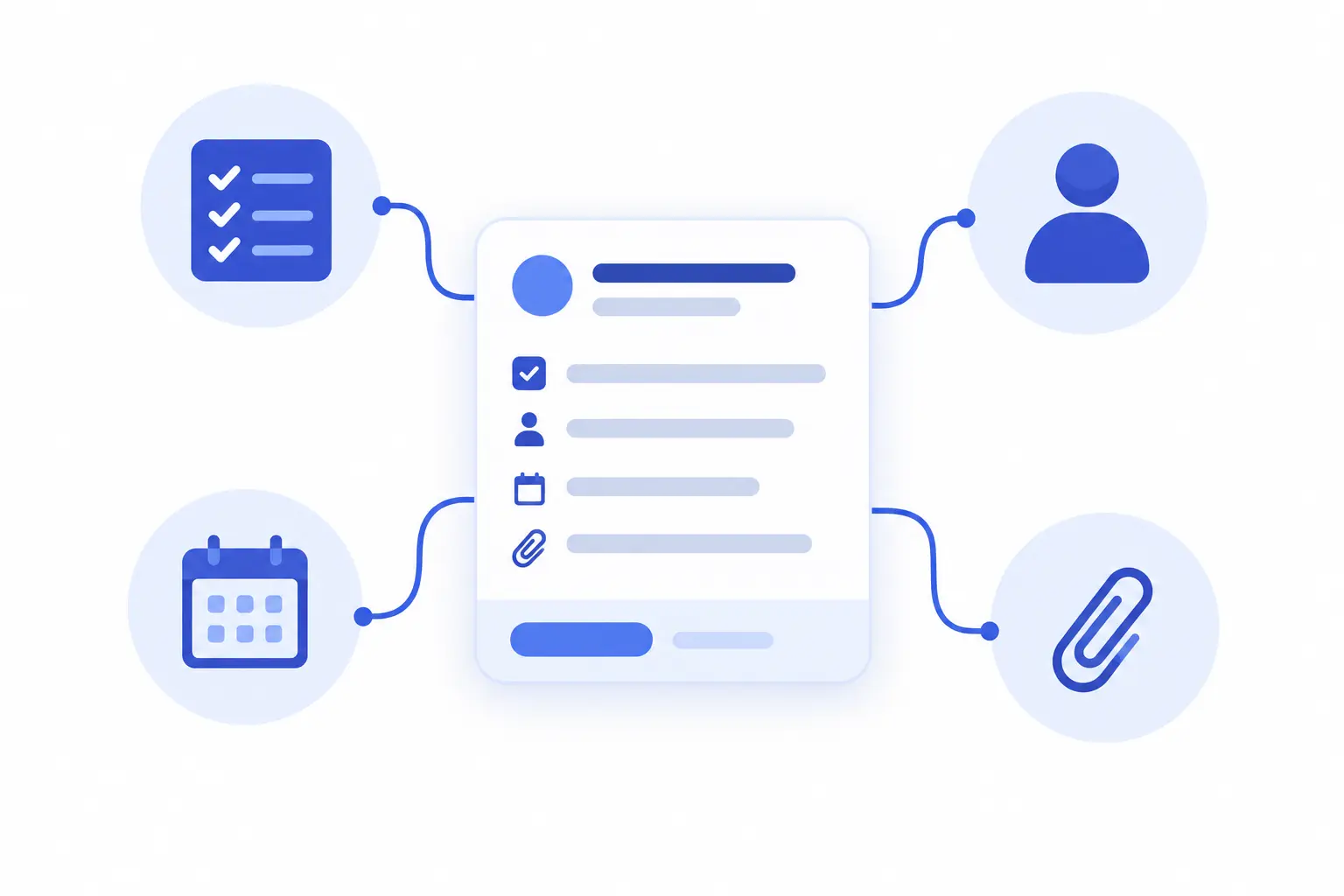
Not every field needs to be templated, and over-including detail is a common mistake covered later. Here’s what a well-built task template should actually contain:
A useful test for what belongs in the template versus what should stay editable per instance: if it’s identical every single time the task runs, template it. If it varies by client, project, or situation, leave it as an open field to fill in at creation, not a fixed value baked into the template itself. This is the same principle behind why a good status report template or set of project status report templates works: they standardize the structure (sections, metrics tracked, review step) while leaving the actual content open to change every reporting cycle.
How Task Templates Fit Into a Standardized Workflow
Task templates work best as part of a broader pattern, not as an isolated trick applied to one recurring task. Teams that get the most value from them usually apply the same template logic across a family of related work: a recurring task tracking template for status checks, a resource planning template for allocating who’s available, and the task templates themselves for the actual units of repeatable work inside a project.
Common Mistakes When Building Task Templates
| 1 | Overstimulating. Cramming every possible field into a template, including ones that genuinely vary by instance, makes the template rigid and pushes people to work around it rather than through it. Template only what’s truly identical every time. |
| 2 | Fixed dates instead of offsets. A template with a hardcoded due date is useless the second time it’s reused. Templates need relative due-date logic, “5 days after creation”, not an absolute date baked in. |
| 3 | No ownership of the template itself. Someone needs to be responsible for keeping each template current as the underlying process evolves; otherwise templates quietly drift out of date the same way undocumented processes do. |
| 4 | Building templates nobody knows exist. A perfectly built task template that’s buried three menus deep, or saved by one person and never shared, doesn’t save any collective time. It needs to be visible and easy to find for everyone who’ll actually use it. |
Final Thoughts
Every team I’ve watched struggle with repetitive work wasn’t short on capable people. They were spending capable people’s time rebuilding the same structure over and over, checklist by checklist, assignment by assignment, because nothing about the task persisted between instances. Task templates aren’t a minor convenience feature. They’re the difference between expertise being spent on the actual work versus being spent remembering what the work required last time.
Stop rebuilding the same task from scratch
That’s the real case for task templates: not a small time-saver, but the structural fix that stops a team from quietly redoing the same setup work, week after week, for the life of the project, which is exactly the kind of repeatable structure Techxaro One is built to hold.
